Product
Publisher template pack
Bulletins, newsletters, programs and flyers for Word and Affinity Publisher.
Print-ready replacements for the documents you used to make in Microsoft Publisher. Every design in US Letter and A4, as Word templates, with Affinity files in the bundle.
Why now
- Publisher leaves Microsoft 365 on October 1, 2026.
- Support ends for the one-time-purchase versions on October 13, 2026. Those versions keep opening, but get no more fixes.
Source: Microsoft Support
Who it’s for
Anyone who used Microsoft Publisher to make the same few documents over and over.
- Churches
- A weekly bulletin, an order of service, and the occasional funeral or carol service program.
- Schools
- Letters home, a termly newsletter, concert and prize-giving programs, open-day flyers.
- Clubs and community groups
- Meeting agendas, season programs, notices for the board in the hall.
- Small nonprofits
- Supporter newsletters, fundraising flyers, annual meeting papers.
- Small businesses
- Price lists, event flyers, short menus and a customer newsletter.
What’s inside
- Weekly bulletin (half-fold)
- One sheet folded in the middle: cover, two inside pages and a back page for notices.
- Bulletin (tri-fold)
- One sheet folded in three, for a shorter service or a handout that fits an envelope.
- Order of service / program / agenda insert
- A single loose sheet that lists what happens and when, to slip inside the bulletin.
- Memorial or event program (half-fold)
- A quieter cover and inside pages for a funeral, a memorial or a one-off occasion.
- Two-page newsletter
- Two columns, a masthead and room for photographs, for monthly or termly news.
- Event flyer
- A full page for a fundraiser, an open day, a concert or a sale, with space for the details at the foot.
- Advent and Christmas program (seasonal)
- A seasonal version of the half-fold program for carol services and end-of-year events.
Every design comes
- in US Letter
- in A4
- as a Word template (.dotx)
- as an Affinity file (.af), in the bundle
The Word pack is the Word templates. The bundle is the same designs again as Affinity files.
A look at the designs
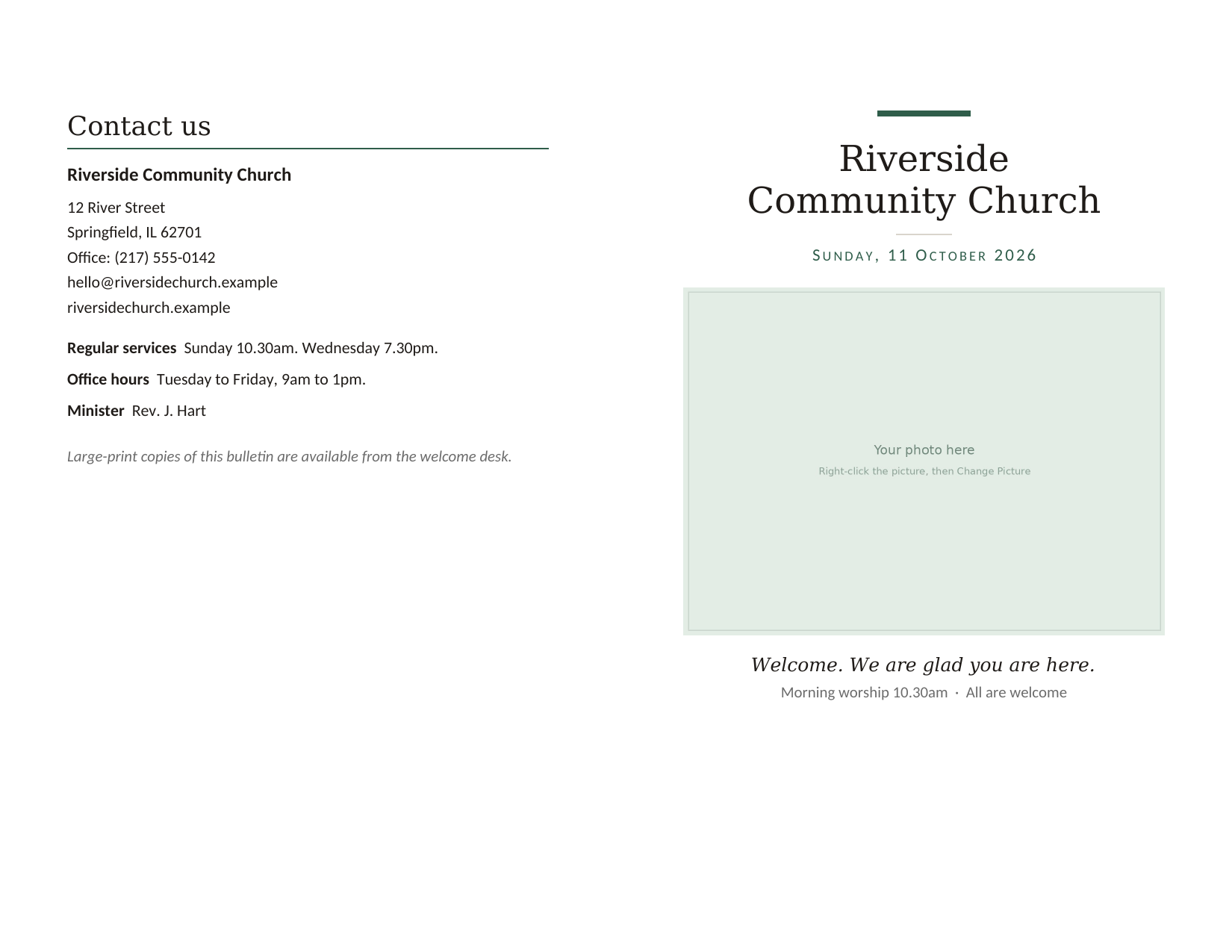
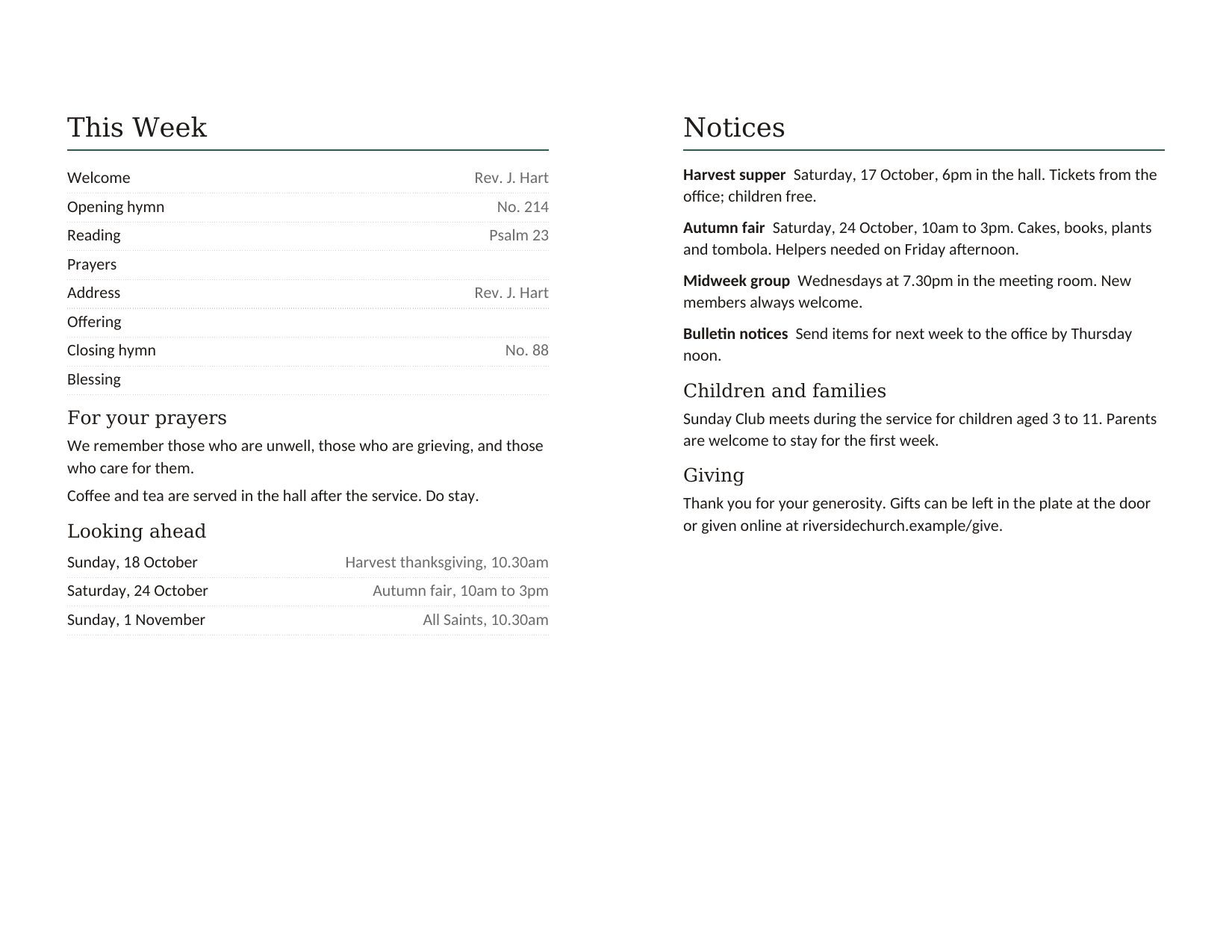
Plain, tidy layouts that print well on an office printer. The weekly bulletin is the finished file, exported; the rest are drawn to the real page sizes while those designs are made.
The bulletin sheets are landscape because the booklet arrives ready to print: two sheets, two panels each. You print both sides, flip on the short edge, and fold once.
Outside: back page and cover, US Letter Inside: pages 2 and 3, US Letter 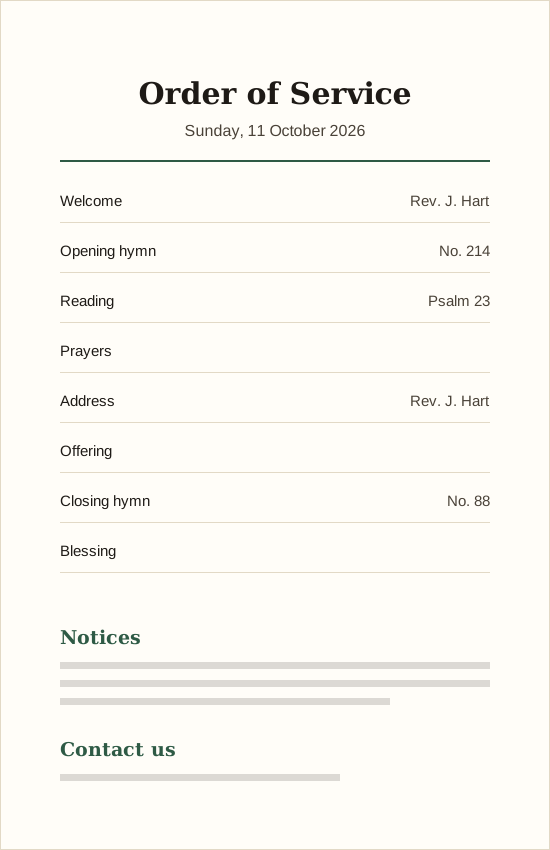
Order of service insert, US Letter 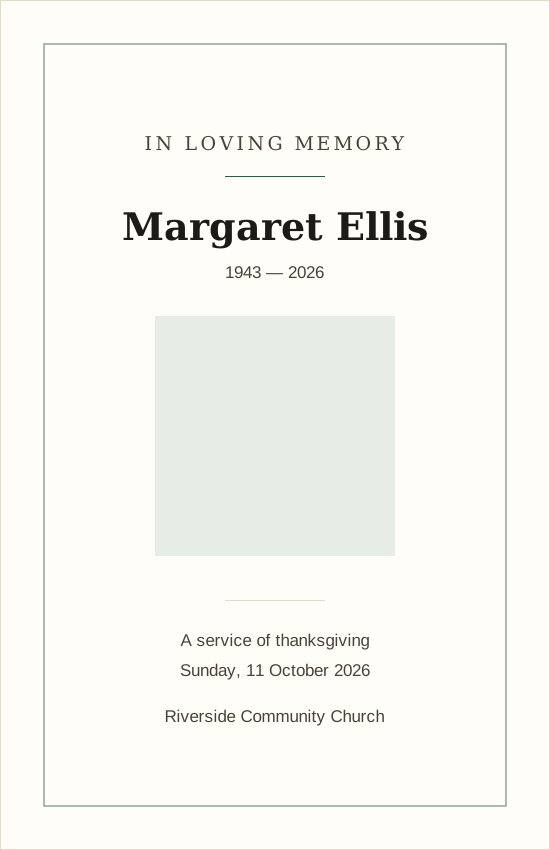
Memorial program, half-fold, US Letter 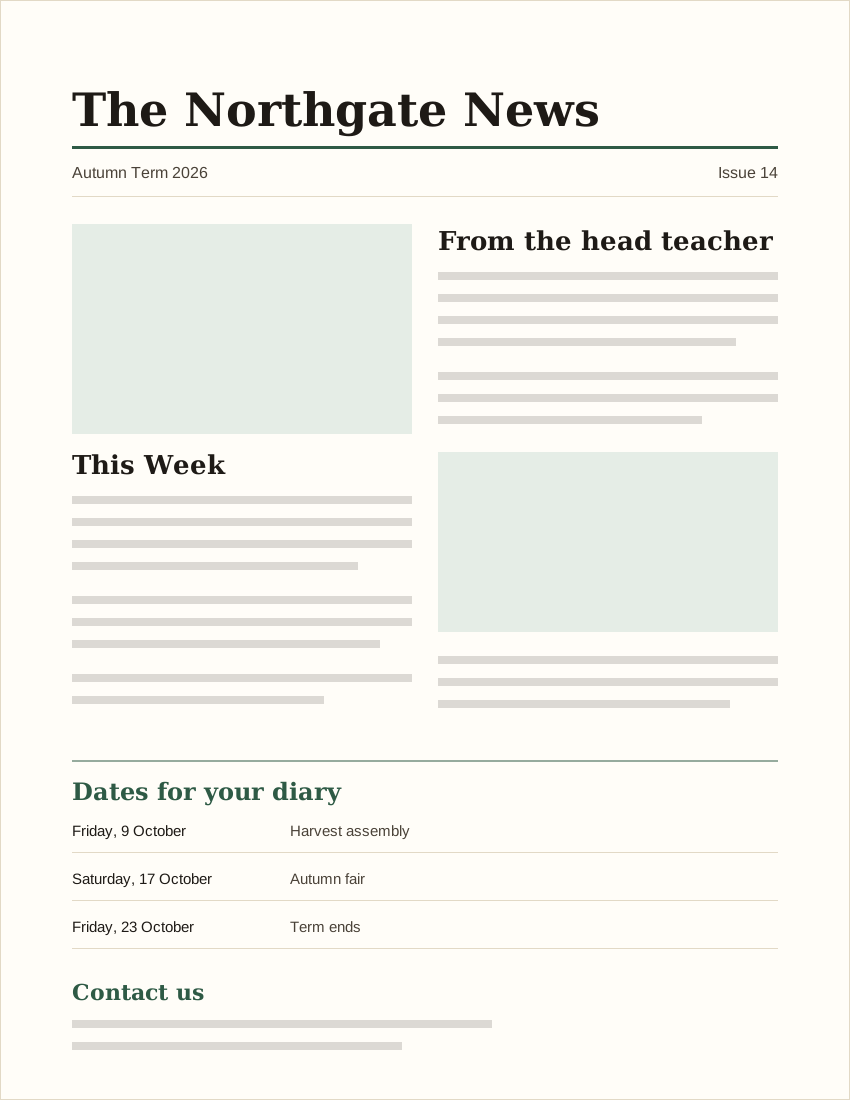
Two-page newsletter, US Letter 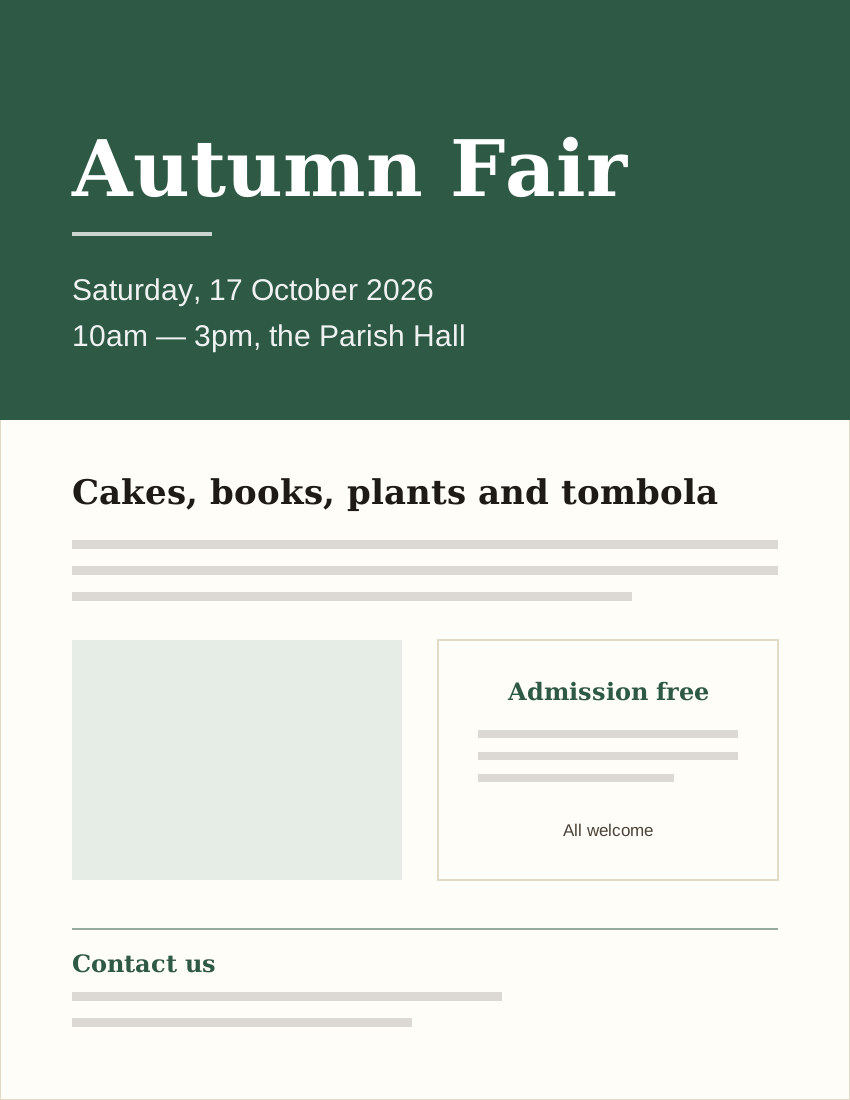
Event flyer, US Letter 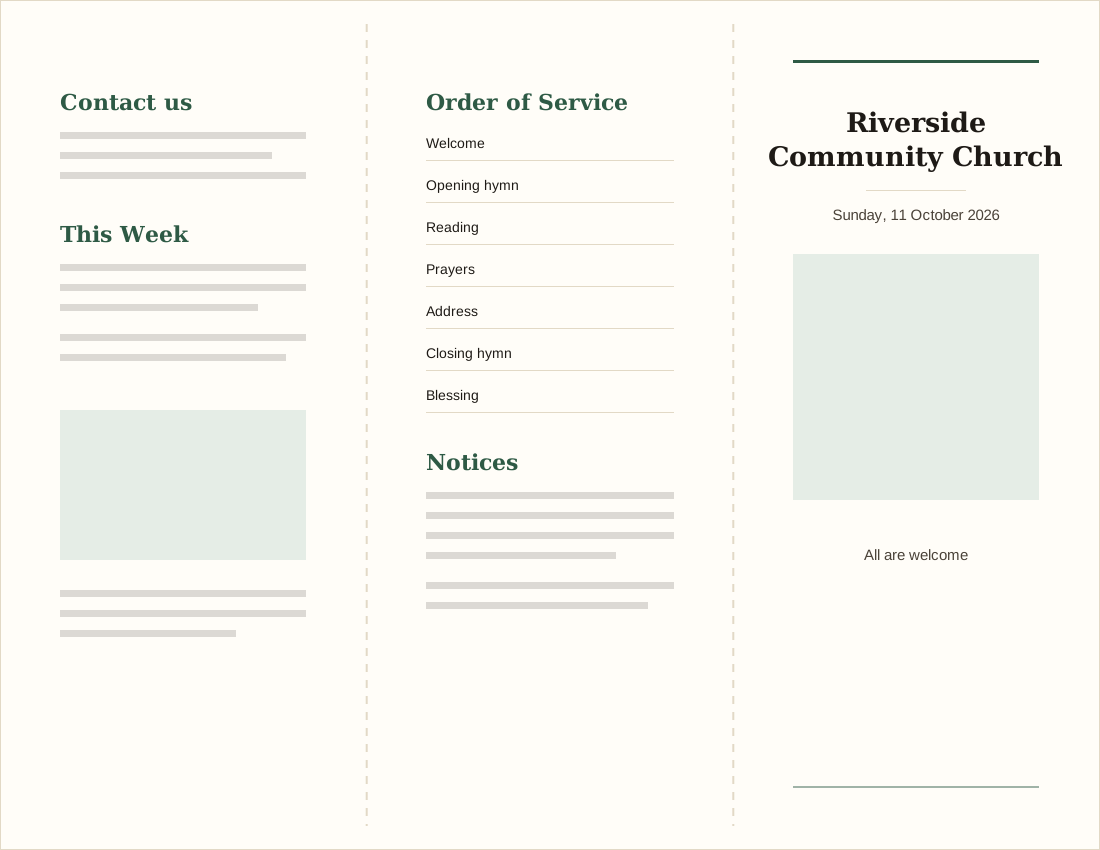
Tri-fold bulletin, US Letter 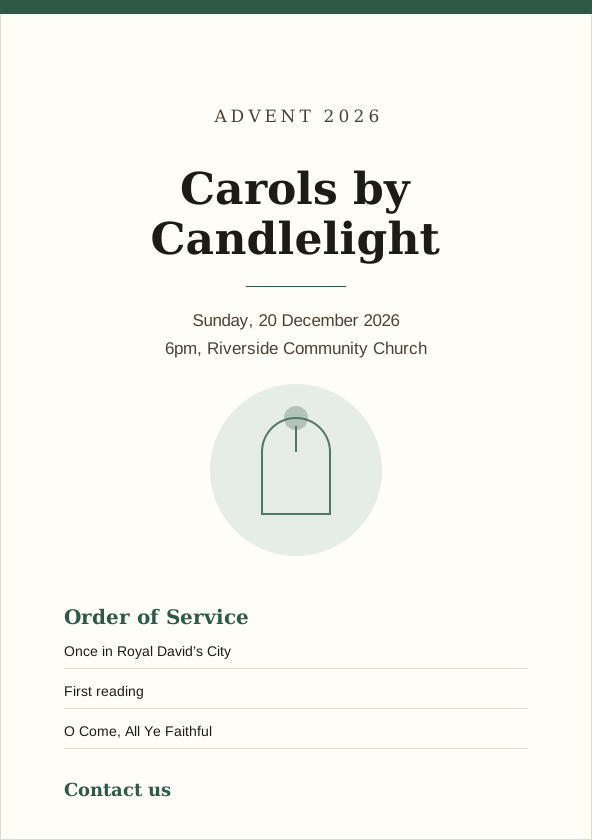
Advent and Christmas program, A4 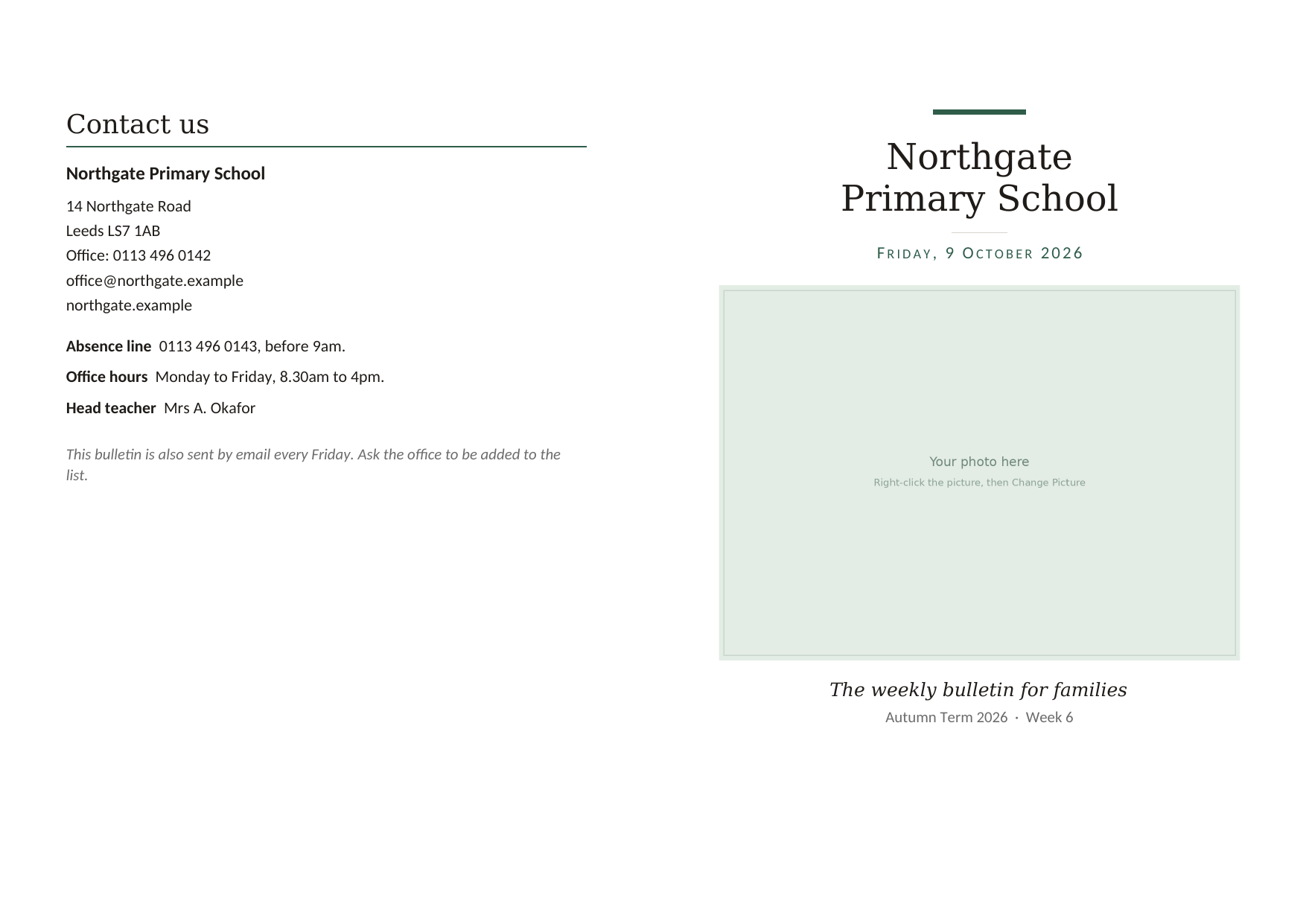
Outside: back page and cover, A4 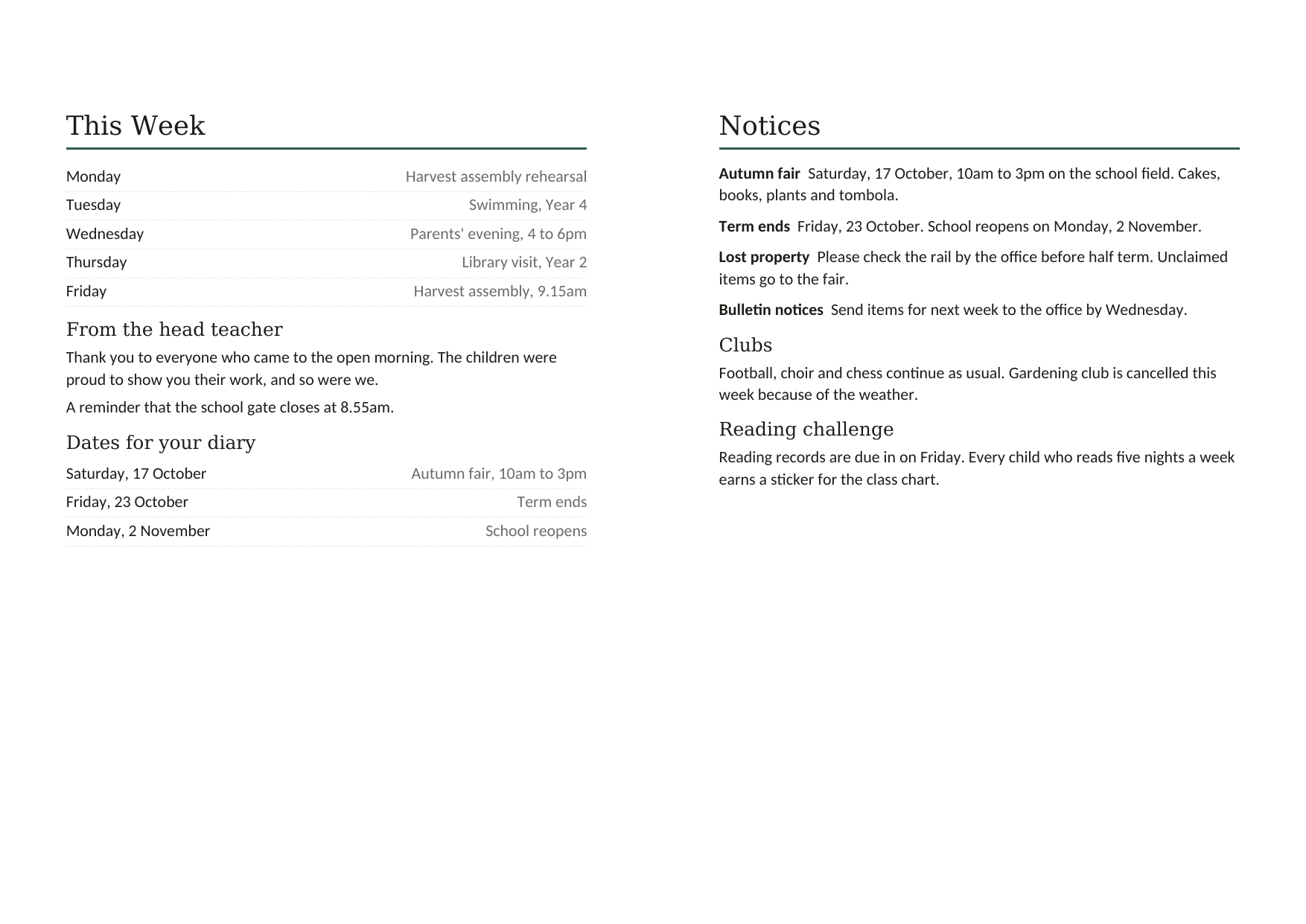
Inside: pages 2 and 3, A4
Which one do I need?
Take the Word pack if you already work in Word
You have Word, your volunteers know it, and you want next week's bulletin to go out the same way it always has. The templates open in Word and behave like any other Word document.
Take the bundle if you are moving to Affinity
The Affinity app is free to download and use, with a free Canva account, and it handles page layout more like Publisher did: you control exactly where things sit on the page. There is a learning curve. The bundle gives you both sets of files, so you can move across at your own pace.
Affinity is free to download from its makers. It asks you to sign in with a free Canva account the first time.
What you need
- For the Word templates
- Word 2016 or newer, or Word from a Microsoft 365 subscription, on Windows or Mac.
- For the Affinity files
- The free Affinity app (Windows or Mac, with a free Canva account), version from October 2025 or later. The files are in Affinity’s .af format and do not open in the older Affinity Publisher 2.
- Fonts
- Uses fonts already on your computer (Georgia and Calibri). Nothing to install.
Price
You download the files and keep them.
Word pack
$29
One payment. No subscription.
- Every design as a Word template (.dotx)
- US Letter and A4 for every design
- Uses fonts already on your computer (Georgia and Calibri). Nothing to install.
- 14-day refund
Word + Affinity bundle
$49
One payment. No subscription.
- Everything in the Word pack
- Every design as an Affinity file (.af) too
- US Letter and A4 for every design
- 14-day refund
Questions
Do I need Microsoft Publisher to use these?
No. The Word pack only needs Microsoft Word. The bundle adds the same designs as Affinity files.
Which version of Word do I need?
Word 2016 or newer, or Word from a Microsoft 365 subscription. The templates are .dotx files and open on Windows and Mac.
I have Affinity Publisher 2. Will the bundle files open?
No. The bundle is made for the current free Affinity app, which opens .af files; Publisher 2 does not. The free app is a free download and opens your Publisher 2 documents, so moving over costs nothing.
Will these open my old .pub files?
No. These are new templates that you fill in. Your old files need a separate step, which the conversion guide on the blog walks through.
Do you have A4 as well as US Letter?
Yes. Every design comes in both sizes, so you are not resizing anything yourself.
Are these only for churches?
No. They suit any office that prints a regular bulletin, newsletter, program or flyer: churches, schools, clubs, community groups, nonprofits and small businesses. The sample text is plain, so it reads sensibly whoever you are.
Can I try one first?
Yes. The free half-fold bulletin template for Word is the same shape and structure as the paid one.
I am not good with computers. Will I manage?
If you can change text in a Word document, you can use these. If you get stuck, email us and we will help.
Can I use these for more than one organization?
The licence covers the organization that buys the pack, for as much printing as you like. You may not resell or pass on the template files themselves.
What happens after I pay?
You get a download link for the files. They are yours to keep, and there is no subscription to cancel.
If it isn’t right
You have 14 days to ask for a refund, and you do not need to give a reason. See the refund policy.
If a file will not open or will not print the way you expect, write to us and a real person will answer. Email hello@successionkit.com.